Space Court
Tennis Partner App
Tennis partner matching and performance analytics
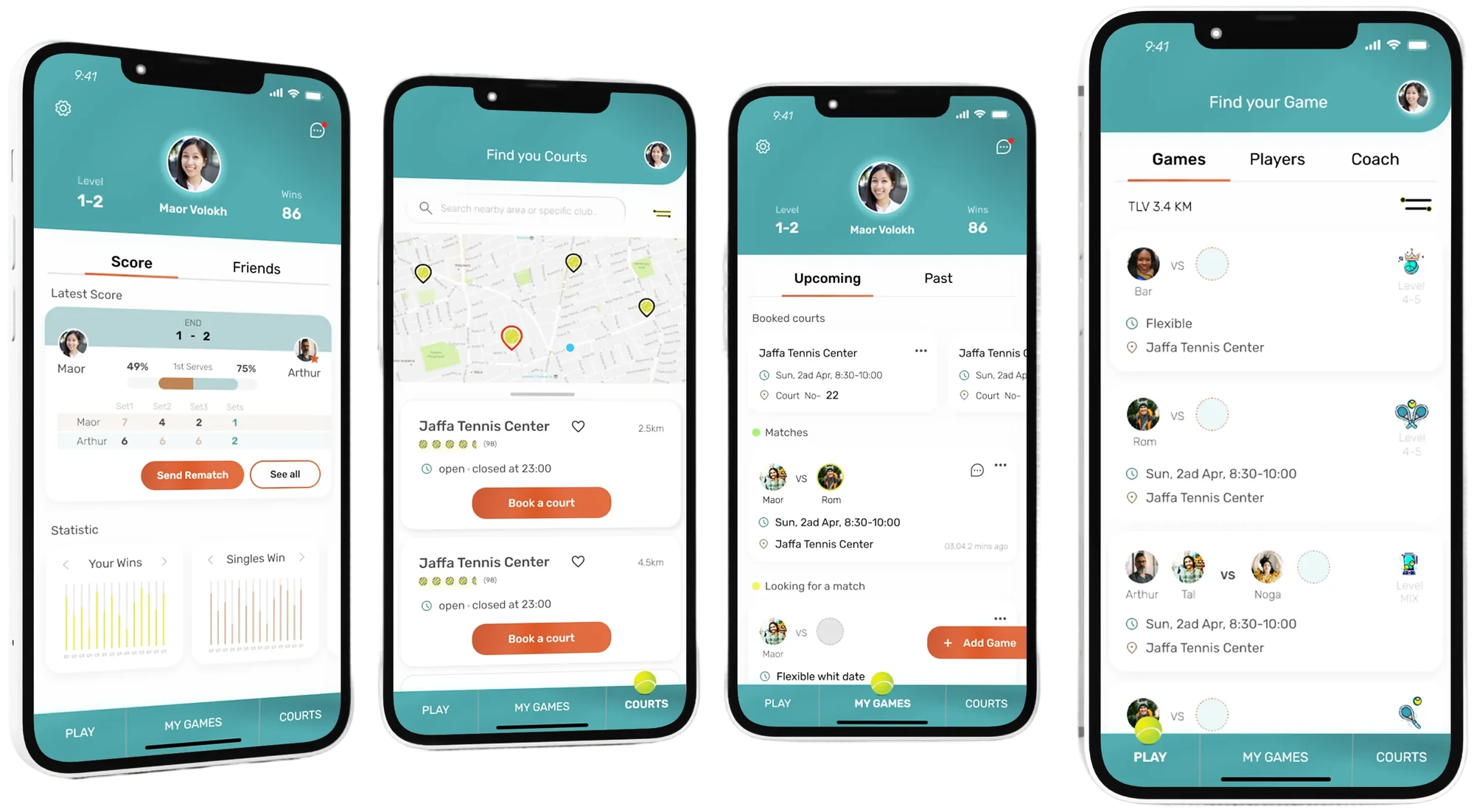
Space Court is a mobile app for a problem tennis players keep running into: finding compatible playing partners. It combines skill-based matchmaking with location, performance tracking and access to coaches, all in one place.
- Mobile app
- Matchmaking
- Data visualization
- B2C
- Role
- Product Designer
- Type
- Student project
- Timeline
- 3 months
- Platform
- iOS
Executive summary
The challenge and the solution
The problem
Tennis players struggle to find partners who match their skill level, location and availability. Existing options are spread across social media groups, club message boards and informal networks, which creates friction and missed games.
- No central place to find tennis partners
- Hard to match players by skill level
- Little visibility into nearby courts and availability
- No objective performance tracking or improvement metrics
The solution
Space Court connects players by skill level, distance and schedule. It adds performance analytics, court discovery and access to coaches.
- Smart matchmaking
- Partner matching by skill and location
- Performance tracking
- Statistics and progress over time
- Court discovery
- Nearby courts with availability and ratings
- Coaching
- Connect with certified trainers for lessons
Insights
User research
To understand what players need from a partner-finding app, I ran a survey with 18 tennis players (16 men and 2 women) about their challenges and preferences.
85%
struggle to find games with suitable partners, because of coordinating schedules and finding available courts.
75%
are looking for tennis partners but find it hard to find suitable matches.
45%
are concerned about small player pools and mismatched skill levels.
The matchmaking logic
Finding the right partner
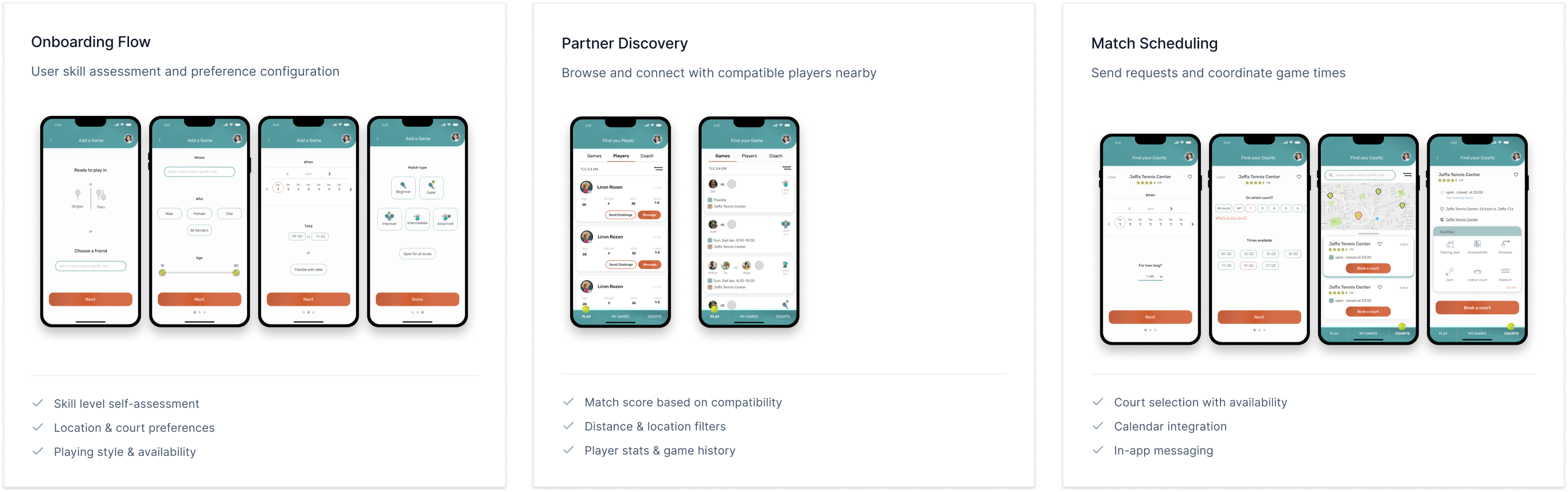
Matchmaking looks at several factors to connect players: skill rating, distance, schedule availability and playing style.
Compatibility algorithm (design hypothesis)
A proposed weighting for this student project. It was not validated with users.
35%
Skill rating
NTRP-based skill matching within ±0.5
30%
Location
Distance with a customizable radius (1–25 miles)
20%
Availability
Overlap in preferred playing times
15%
Play style
Competitive level, game format and surface preference
Performance analytics
Seeing how you improve
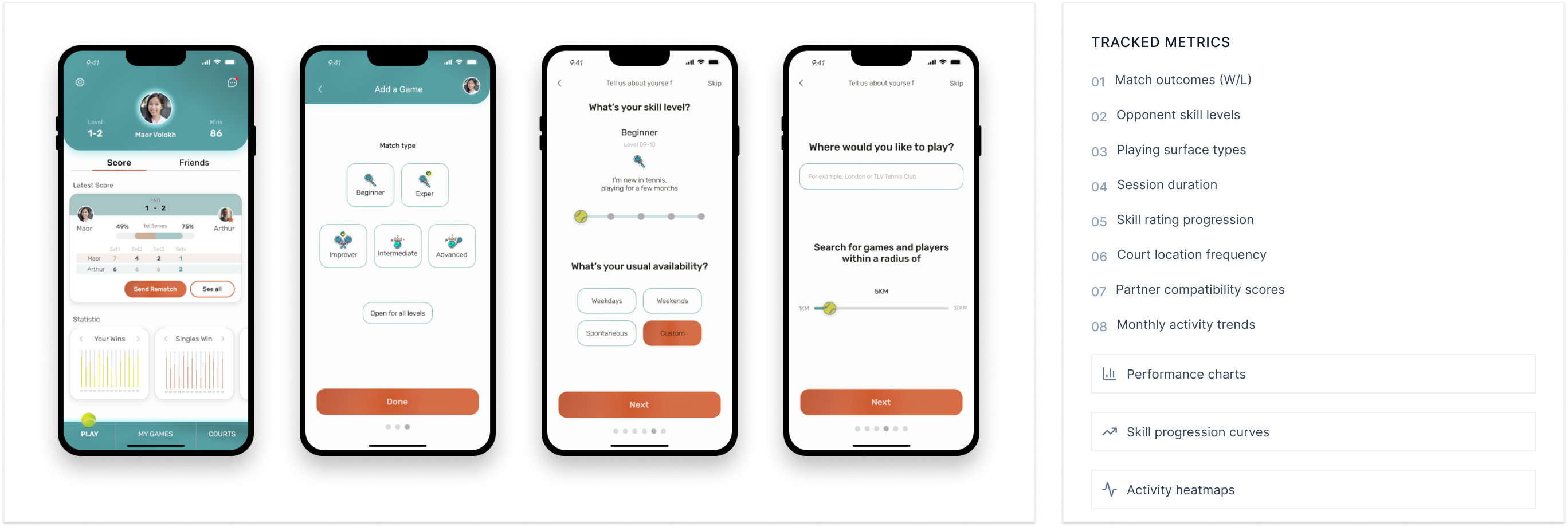
An analytics dashboard that tracks game statistics, performance trends and skill progression, so players can see how they improve over time.
User flow
Adding a game and challenging a player
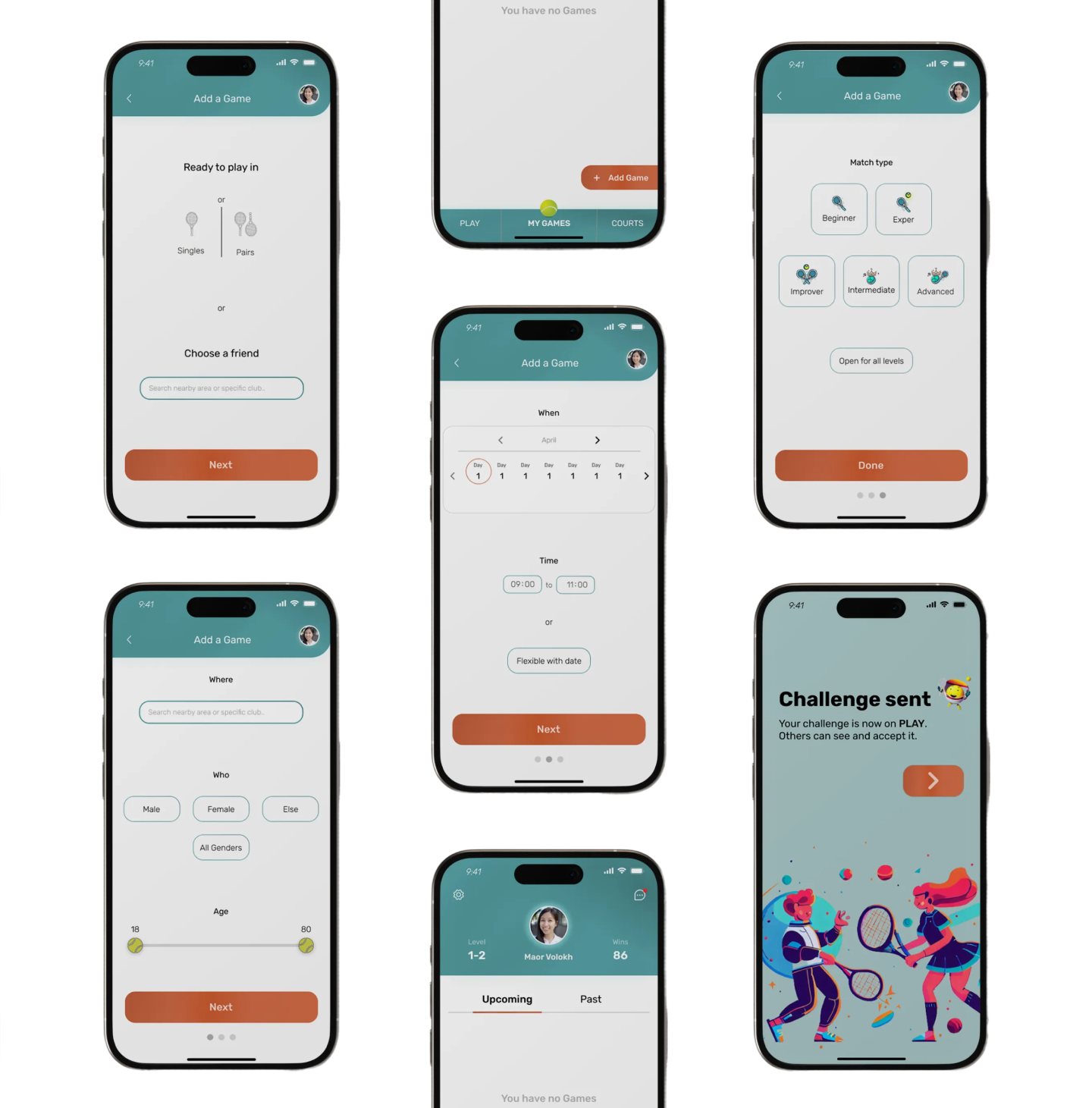
From My Games to a sent challenge: the player picks a friend or opens the game to anyone, sets the time, place and level, and sends it.
Challenge a friend
A game with someone you already know
- 1
Choose a friend
Search by name. Recently played partners appear first, and the list narrows as you type.
- 2
Date and time
Pick when you want to play.
- 3
Court and location
Pick where you want to play.
Open a game
Anyone nearby at the right level can join
- 1
Game type
Singles or doubles.
- 2
Date and time
Pick when you want to play.
- 3
Court and location
Pick where you want to play.
Search: nearby courts and cities, refined as you type.
- 4
Opponent level
Choose the skill level of the player you want to face.
The game appears on Play, where it can be accepted. The player is back on My Games.
Visuals
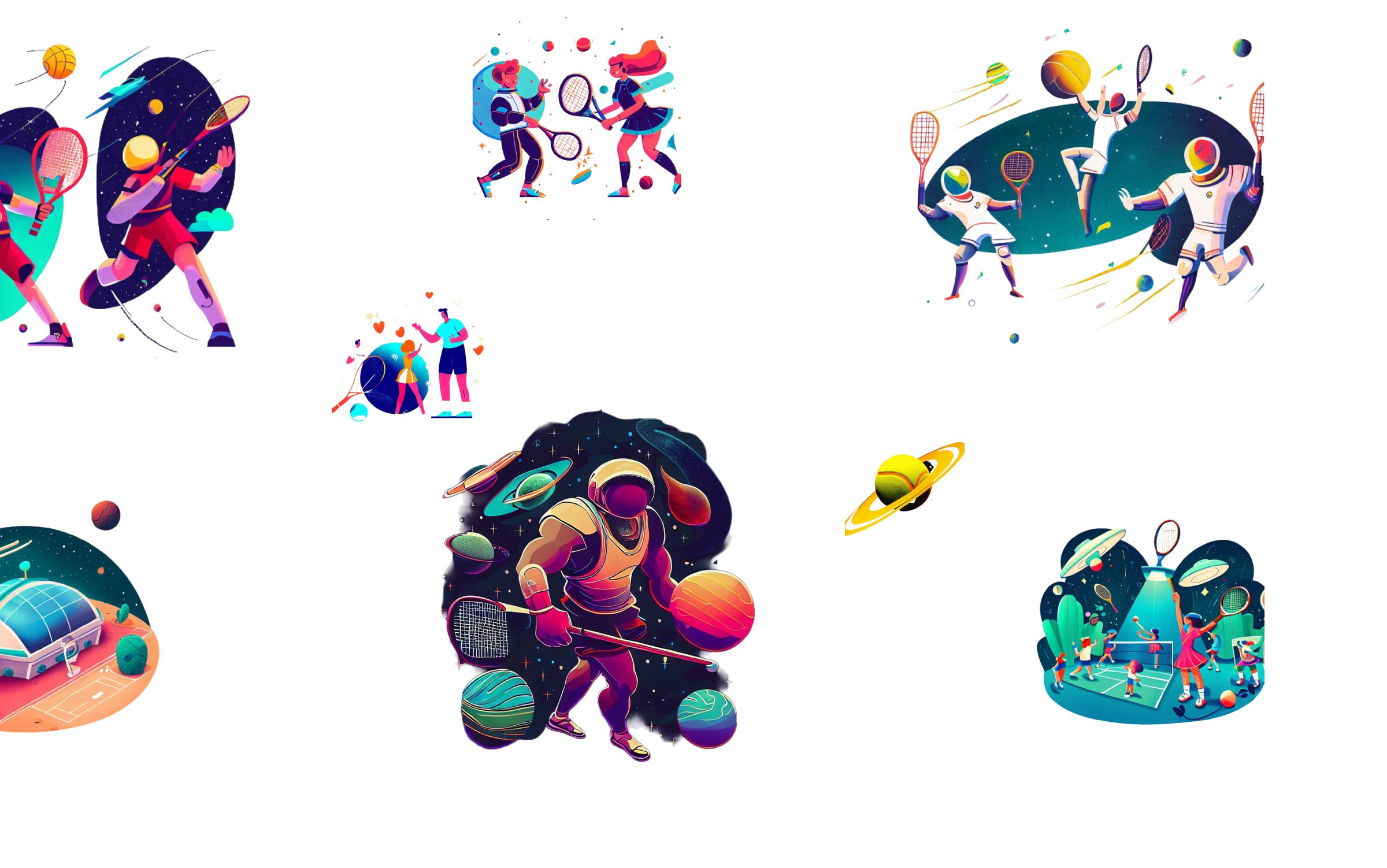
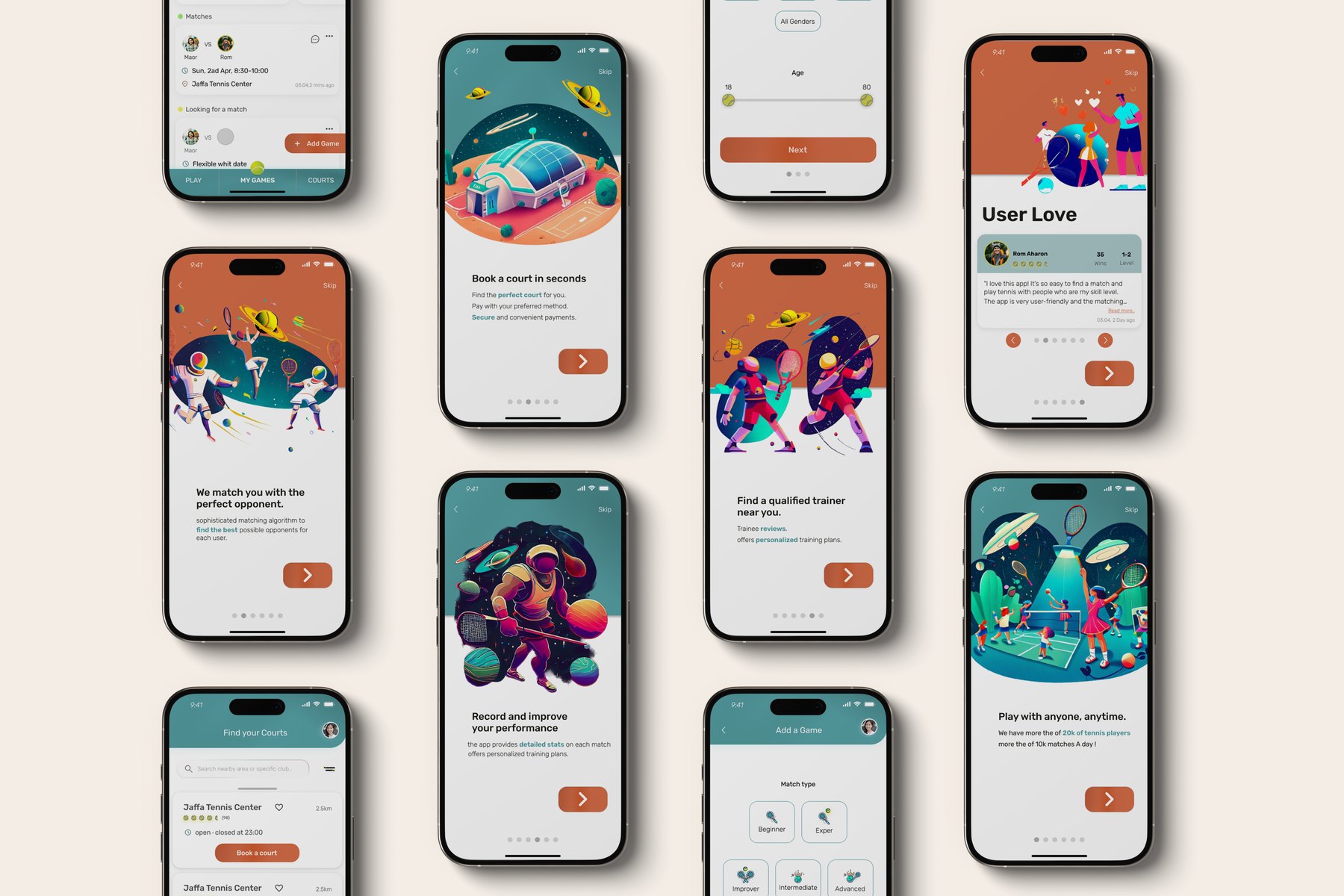
Illustrations created with AI tools
The app’s illustrations were created with AI image tools.